Convert, clean, optimize, and hatch DXF files for CNC, laser, plotter, and waterjet applications — with a toolpath preview before download.
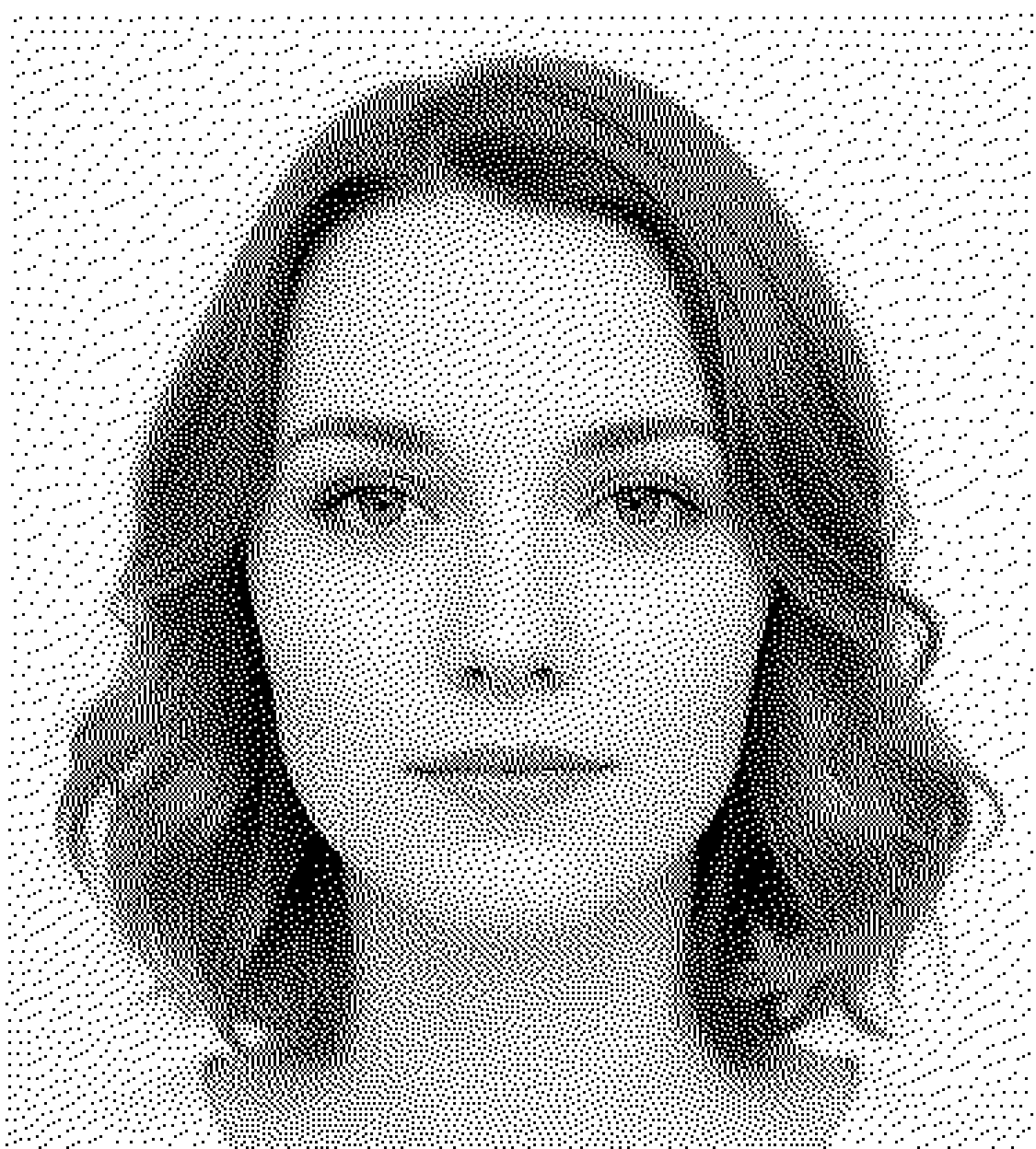
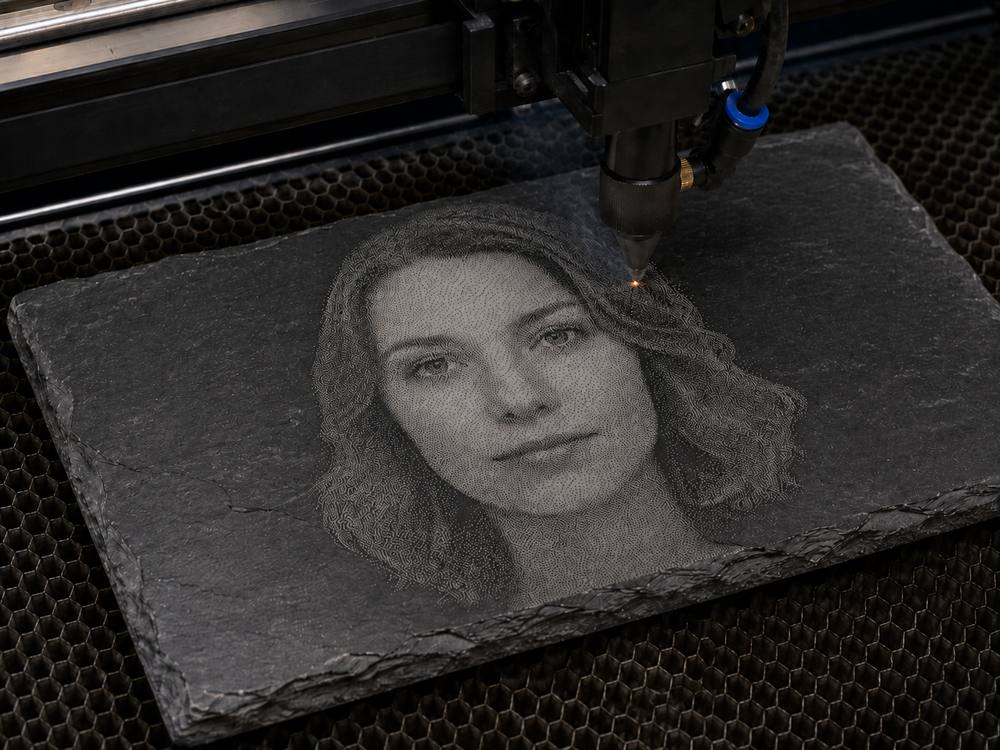
Convert JPG, PNG, BMP, and other bitmaps into vector DXF artwork for engraving, marking, cutting, and tracing.


Simplify DXF files with splines, duplicates, gaps, or unsupported geometry, and reduce unnecessary travel moves.
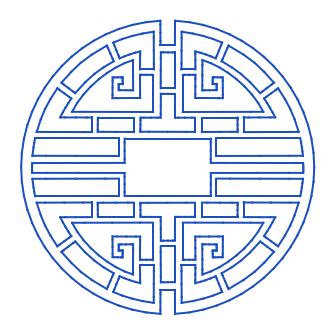

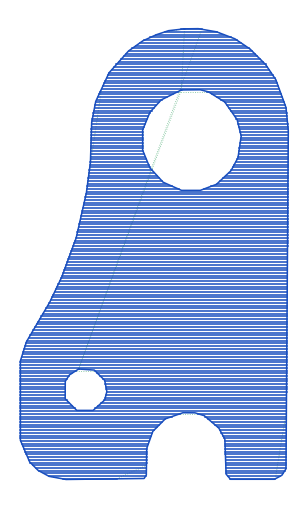
Create hatch, cross-hatch, spiral, or serpentine fill patterns inside closed shapes for laser marking, engraving, and CNC.
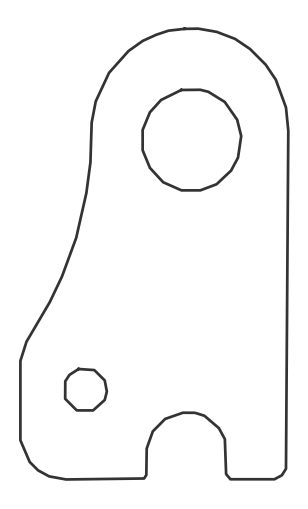
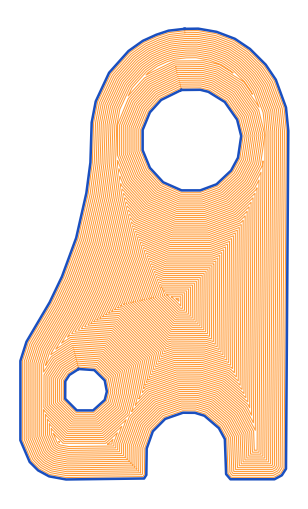
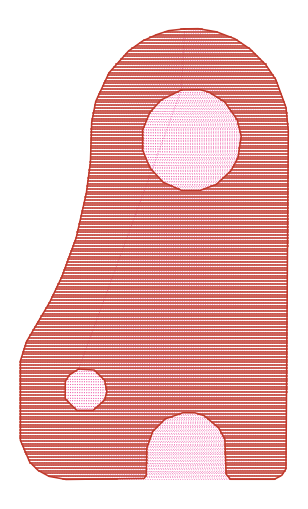
Most converters stop at geometry that looks correct on screen. DXF Studio produces an optimized toolpath for efficient machine motion: paths are reordered to reduce travel, and geometry is compensated for your tool diameter and laser beam width so the finished part matches the intended dimensions.
Every example here is genuine output from the tools you'll use — not illustrations.
Continuous-tone conversion rebuilds a photograph as thousands of clean vector elements, ready to engrave.
Open the Bitmap→DXF tool →

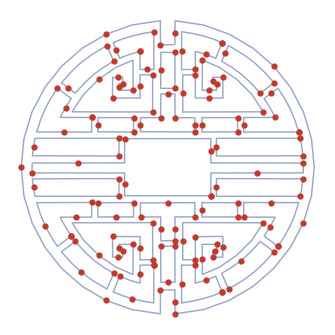
DXF files with splines, duplicate entities, and gaps become clean LINE geometry, designed for better compatibility with many machine controllers.
Open the DXF Cleanup tool →

Smarter path ordering reduces unnecessary travel moves — less wasted motion, the same cut.


Add controlled hatch patterns to any closed shape, with optimized fill order built in.
Open the Hatch Fill tool →

No AI guesswork, no raster tricks — deterministic geometry processing that gives the same result every time. Here's what happens to your file:
Every entity in your DXF is read individually — lines, arcs, polylines, splines. Nothing is rasterized or approximated behind your back.
Duplicate segments, gaps, and unsupported geometry are detected and repaired. Splines and arcs become simple LINE geometry that machine controllers accept without complaint.
Hatch fills are generated around your actual tool diameter or beam width — the geometry you download is what the machine cuts, so finished dimensions stay true.
The cutting order is re-sequenced to minimize rapid travel. The marking emulation shows you the optimized path in motion — before you spend anything.
Download genuine DXF Studio output below: free, no account, no token. Open it in LightBurn, Fusion, SheetCAM, or whatever CAM software you trust, and judge the geometry yourself.
Buy tokens once, use them whenever you need. No subscription, no expiry games.
1 token = unlimited modify + download of one loaded file for that work session. Load a file, spend a token, and keep refining and re-downloading it until you're done — no extra charge for that file in that session.
You can upload, process, and inspect the result before spending a token. Download only when the output looks right for your workflow.
DXF Studio started as an in-house tool for preparing engraving and cutting files for my own machines: the converters I tried produced geometry that looked right on screen and behaved badly on the machine, so I built the processing pipeline I needed and put it online.
Questions, a file that won't behave, or a result you're not happy with? Email [email protected] — it comes straight to me, not a ticket queue.
No. Upload a file and inspect the full preview — including the optimized toolpath emulation — without signing in. You only need an account (an email address) when you want to buy tokens and download.
No. 1 token unlocks one loaded file for your whole work session. Once a file is unlocked you can change settings, regenerate, and re-download it as many times as you like at no extra charge. You can even send it between tools (Cleanup ↔ Hatch) on the same token.
Never. Buy a pack today and use the last token whenever you need it.
Nothing is charged. Tokens are only spent when you choose to unlock a download of a result you've already previewed — a failed or rejected conversion never consumes a token.
That's exactly what the free preview is for — inspect the geometry and the toolpath emulation before you spend a token, so there are no surprises. If something still behaves unexpectedly on your controller, email [email protected] with the details: controller quirks are often fixable with a settings change, and your report makes the tool better for everyone.
Clean, simple LINE-based geometry in optimized cutting order, designed for broad compatibility with CNC, laser, plasma, plotter, and waterjet controllers — including older and budget controllers that choke on splines.
Your file is used only to generate your preview and your download. It is never published, shared, or used for anything else. See the Privacy page for details.